

Copying a job
Copy Job makes a new job from an existing one, with the same details and locations. Use it when you hire for the same role again, or post a similar role at another level.
Copy a job
Section titled “Copy a job”- Go to WP Job Portal → Jobs.
- Find the job you want to copy.
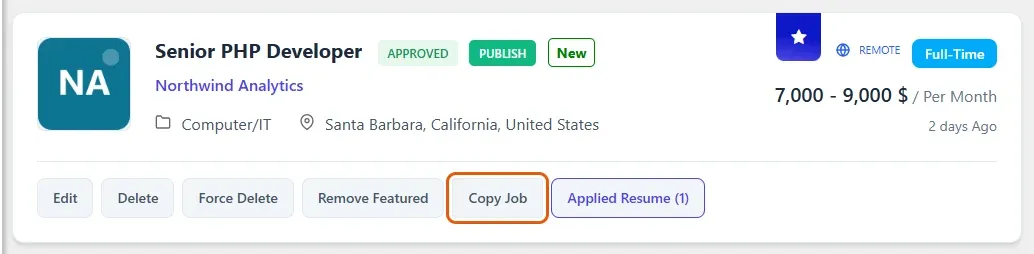
- Select Copy Job on its row.
You return to the jobs list with the message Job Copied Successfully.
What the copy contains
Section titled “What the copy contains”| Part | In the copy |
|---|---|
| Title | The original title with Copy added at the end |
| Details and locations | The same as the original |
| Publishing dates | Start today and run for the same number of days as the original |
| Status | The same as the original |
| Featured listing | Not copied |
| Applications | Not copied. The copy starts with none |
Edit the copy to change its title and anything else that differs. See Managing jobs.
Employers can copy their own jobs
Section titled “Employers can copy their own jobs”Employers see a Copy Job button on each job in their My Jobs list on the site. Their copies follow the same rules as yours.