

Marketplace Suite overview
Marketplace Suite is the part of WP Job Portal that takes money. Use it when outside employers post on your board and you want to charge them per listing or sell them packages, feature their listings, or check that they are real companies.
Marketplace Suite needs only the free WP Job Portal plugin, version 2.7.0 or later. It does not need Pro or any other suite.
What it adds
Section titled “What it adds”| Feature | What it does |
|---|---|
| Ways to charge | Unlocks the Per Listing and Membership submission types. Free is always available. |
| Packages and subscriptions | Packages that give an employer or job seeker a set number of jobs, companies, resumes and other actions. They can be bought once or as a subscription. |
| Checkout and invoices | Payment through Stripe, PayPal or WooCommerce. Every paid purchase gets an invoice. |
| Featured listings | Featured jobs, companies and resumes, plus a promotion schedule for featuring a job from a future date. |
| Multiple companies | One employer account can own and manage several companies. |
| Visitor jobs | Visitors can post a job without registering. |
| Trust & Safety | Company verification and risk checks that can hold suspicious listings for review. |
| Marketplace Reports | Revenue and conversion figures from WooCommerce orders, plus promotion schedules. |
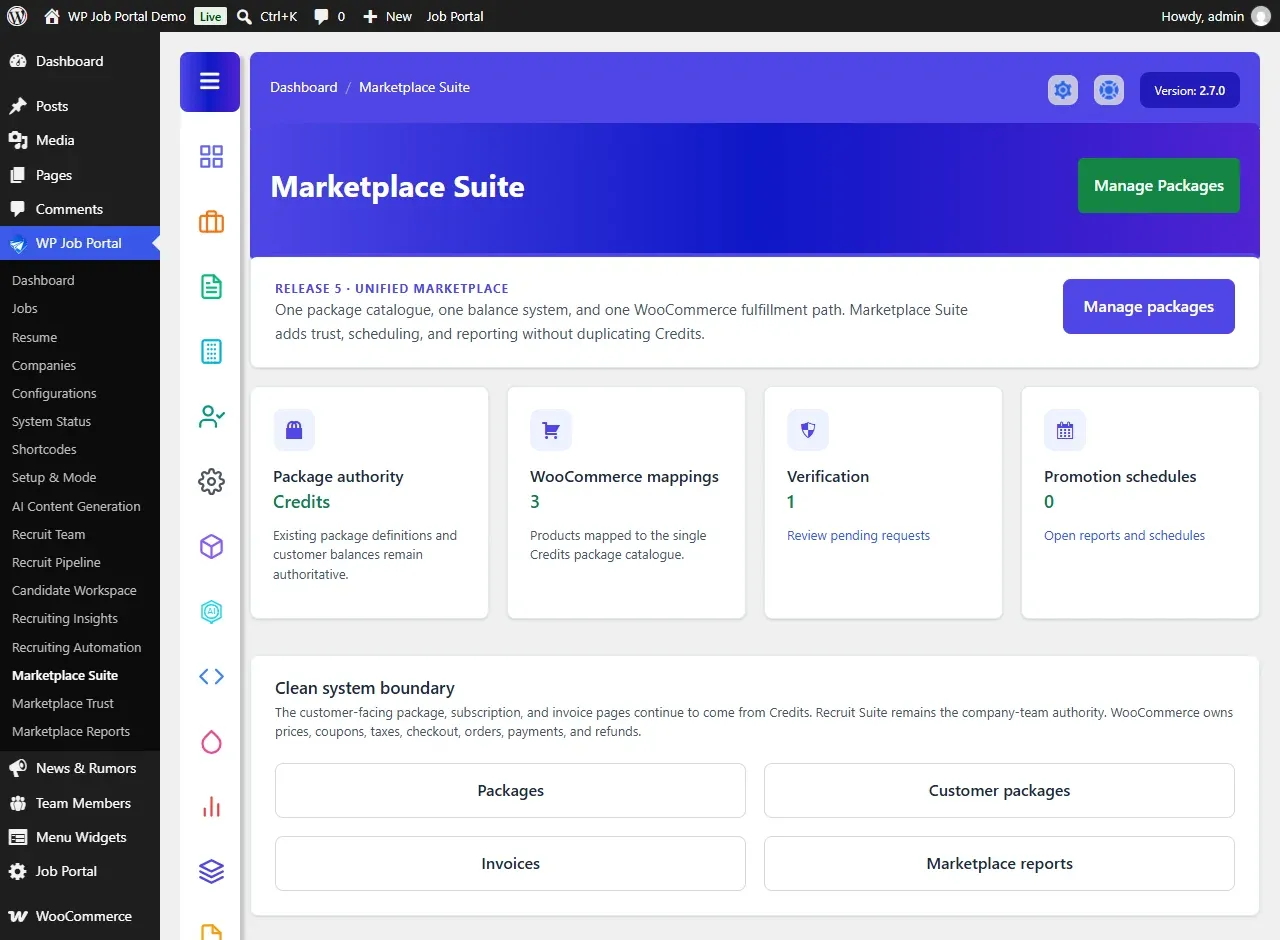
When Marketplace Suite is active, the WP Job Portal admin menu gains three screens: Marketplace Suite, Marketplace Trust (titled Trust & Safety) and Marketplace Reports. Packages and invoices are under Packages.
Set up a paid job board
Section titled “Set up a paid job board”- Update WP Job Portal to 2.7.0 or later. With an older version, Marketplace Suite shows the notice WP Job Portal Marketplace Suite is inactive: WP Job Portal needs updating. and does nothing else.
- Install and activate Marketplace Suite.
- Make sure your site uses the Job Marketplace mode. In Careers & ATS mode the submission type is locked to Free and visitors cannot post jobs.
- Open WP Job Portal → Configurations → Monetization and choose a Submission Type. See Ways to charge.
- For Per Listing, enter your prices in the Per Listing Prices group. For Membership, create packages in WP Job Portal → Packages → Add New Package. See Packages and subscriptions.
- Set up at least one payment gateway: Stripe, PayPal or WooCommerce.
- Under Dashboard Monetization Links on the Monetization tab, choose which package, subscription and invoice links employers and job seekers see in their dashboards.
- Make one test purchase with your gateway in test or sandbox mode before you take real payments.
If you used the old add-ons
Section titled “If you used the old add-ons”Marketplace Suite replaces six older add-ons: Credits, Featured Job, Featured Company, Feature Resume, Multi Company and Visitor Can Add Job. If one of those add-ons is still active, Marketplace Suite leaves that feature to the add-on and does not load its own copy. Deactivate the old add-on to hand the feature over. Your packages, invoices and listings stay where they are.
Your licence controls updates, downloads and support. Marketplace Suite keeps working if a licence lapses.