

Checkout, orders and invoices
Every paid purchase in Marketplace Suite, whether a package or a single per-listing action, goes through the same steps. The buyer picks a gateway and pays on that gateway’s own page. The purchase is then confirmed and recorded with an invoice.
What the buyer sees
Section titled “What the buyer sees”- The buyer selects Buy Now on a package, or Make Payment on a listing that is waiting for payment.
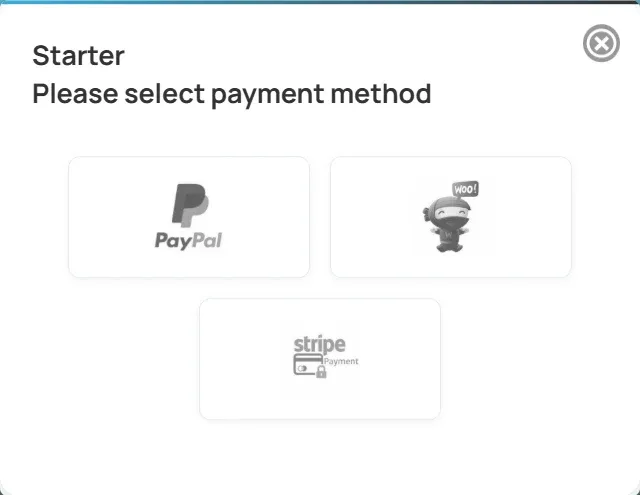
- They choose from the gateways you have enabled: PayPal, Stripe or WooCommerce.
- With Stripe or PayPal, they are sent to that gateway’s own payment page. Card details are never entered on your site, so cards that need extra authentication work.
- With WooCommerce, the matching product is added to the cart and they go to the WooCommerce checkout.
- After paying they come back to your site. A cancelled payment returns them to where they started, and nothing is recorded.
The price always comes from the package or from your per-listing settings. Nothing in the buyer’s request can change what they are charged.
How a payment is confirmed
Section titled “How a payment is confirmed”| Gateway | What confirms the purchase |
|---|---|
| Stripe | The buyer’s return to your site, and the signed checkout.session.completed webhook from Stripe |
| PayPal | The payment is captured when the buyer returns to your site. Subscription activations and renewals arrive by verified webhook. |
| WooCommerce | The order reaching Processing or Completed |
A Stripe purchase is recorded by whichever arrives first, the return or the webhook. Each payment reference is recorded only once, so a retried webhook or a reloaded page never grants a purchase twice. If the webhook has not arrived yet, the buyer sees Your payment is being confirmed. This page will show it once it is.
What happens after payment
Section titled “What happens after payment”- Package: the package is added to the buyer’s My Packages, an invoice is created, and the purchase emails are sent.
- Per-listing item: the job, company, resume or other item is released. It then follows the matching auto-approve setting.
- Subscription: the subscription is recorded under My Subscriptions with its next billing date.
Renewals
Section titled “Renewals”There are two kinds of renewal:
- Manual renewal: when a package has expired, the user can buy it again. The package’s Renewal Discount applies, and the expired package is closed.
- Subscription renewal: each successful recurring payment from Stripe, PayPal or WooCommerce Subscriptions grants the package again and creates a new invoice.
See Packages and subscriptions.
Invoices
Section titled “Invoices”Open WP Job Portal → Packages → Invoices to see every invoice. You can search and filter by user, type, currency and status.
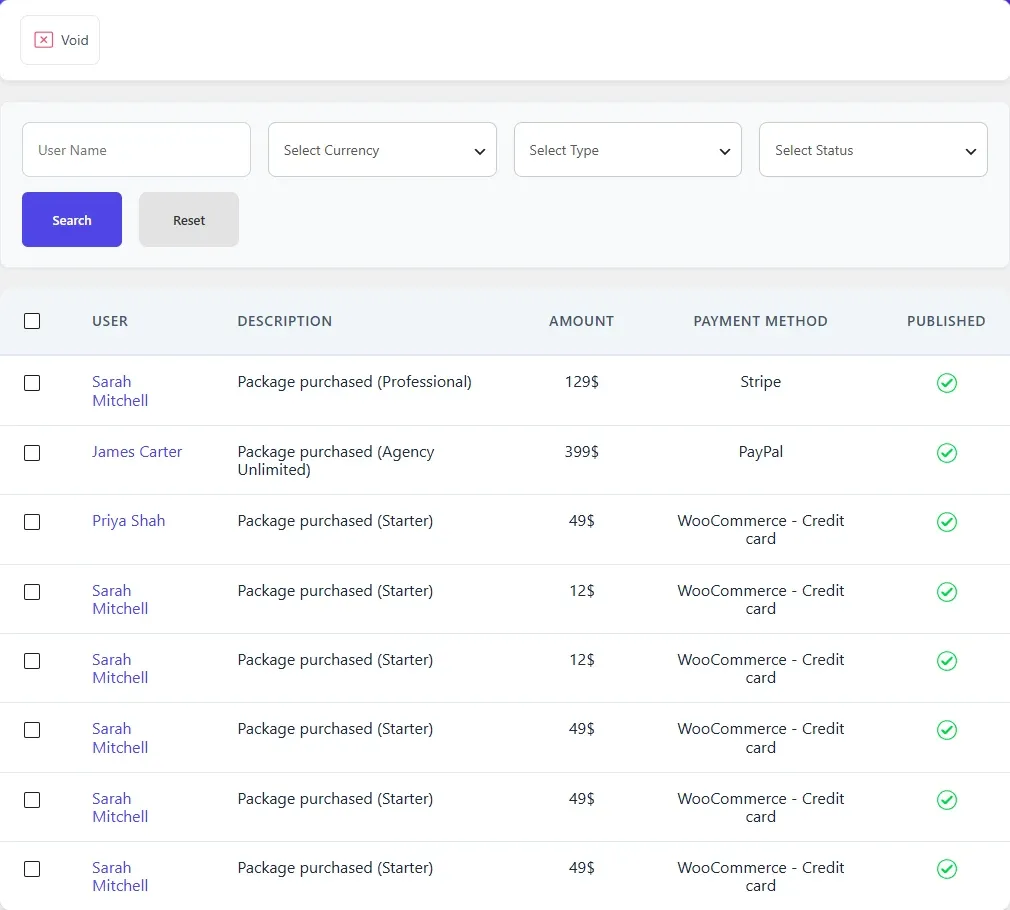
Each invoice records the user, description, amount, currency, payment method, transaction number and the payer’s details from the gateway.
Void marks the selected invoices as void. It keeps the record and does not refund anything at the gateway.
Users see their own invoices under Invoices in their dashboard, showing Created, Description, Amount and Payment Method. Turn the link on or off in Dashboard Monetization Links on the Monetization tab.
User packages and usage
Section titled “User packages and usage”WP Job Portal → Packages → User Packages lists every package a user holds, with its price, date and status. Its Purchase History Details view shows the payment gateway, transaction number and payer details for a purchase.
Each time a user spends a use from a package, Marketplace Suite records it against that package. These records produce the remaining balances users see. See How credits work.