

Installation
WP Job Portal is installed like any other WordPress plugin. Install the free plugin first; Pro and the suites are added on top of it later.
Install from WordPress.org
Section titled “Install from WordPress.org”- In your WordPress dashboard, go to Plugins → Add New Plugin.
- Type
WP Job Portalin the search box. - Select Install Now on the WP Job Portal card.
- Select Activate.
Upload the ZIP file
Section titled “Upload the ZIP file”Use this if you downloaded wp-job-portal.zip, or if your site cannot reach WordPress.org.
- Go to Plugins → Add New Plugin.
- Select Upload Plugin.
- Choose the ZIP file and select Install Now.
- Select Activate Plugin.
You can also unzip the file and copy the wp-job-portal folder into wp-content/plugins over FTP, then activate it on the Plugins screen.
What happens on activation
Section titled “What happens on activation”When you activate WP Job Portal it:
- creates its database tables (their names start with
wj_portal_) and fills in starting data such as job categories and career levels - gives the Administrator role the capabilities that open the WP Job Portal admin
- sets the notification address to your WordPress admin email, and the sender address to
wordpress@your domain - creates a page called Jobseeker holding
[wpjobportal_jobseeker_controlpanel]and makes it the Default Page, unless a page with that shortcode already exists - adds a Register page holding
[wpjobportal_registration]on the next admin page you open - adds WP Job Portal to the admin menu
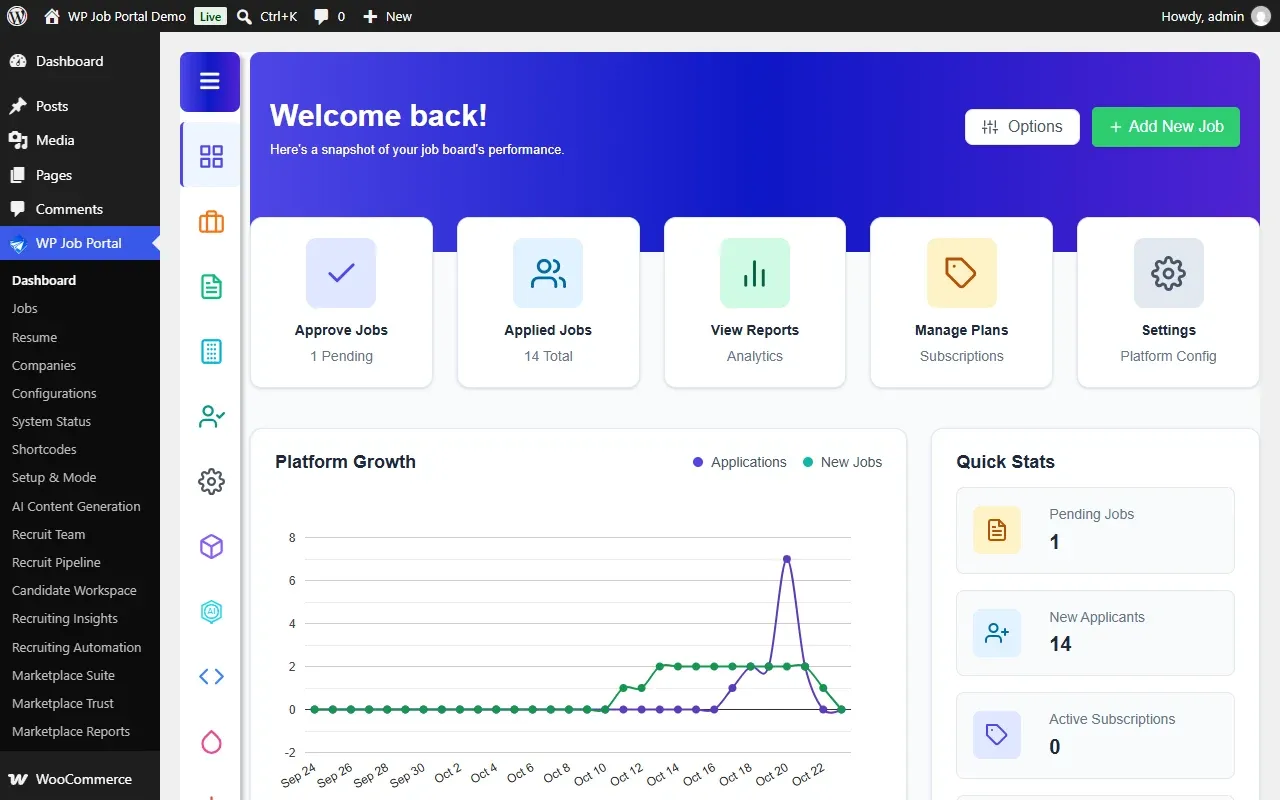
The first time you activate it, WordPress takes you straight to the setup wizard. If you close it, open it again from WP Job Portal → Setup & Mode.
Until you have loaded a city list, a notice says No cities have been loaded yet. and offers to import the cities for your site’s country. Employers cannot choose a job location until a city list exists. See Locations.
Deactivating and deleting
Section titled “Deactivating and deleting”Deactivating WP Job Portal keeps your data. It switches the Default Page to draft, removes the WP Job Portal capabilities from administrators and stops the scheduled tasks. Activating again publishes the Jobseeker page again.